Screenshot queue
for macOS.
Stop cluttering your desktop. StackShot holds screenshots in a temporary, session-based queue. Copy, drag, and export them only when you're ready.
Requires macOS 14 Sonoma or later
Workflow Architecture
Engineered for speed.
Designed for order.
Floating Panel Queue
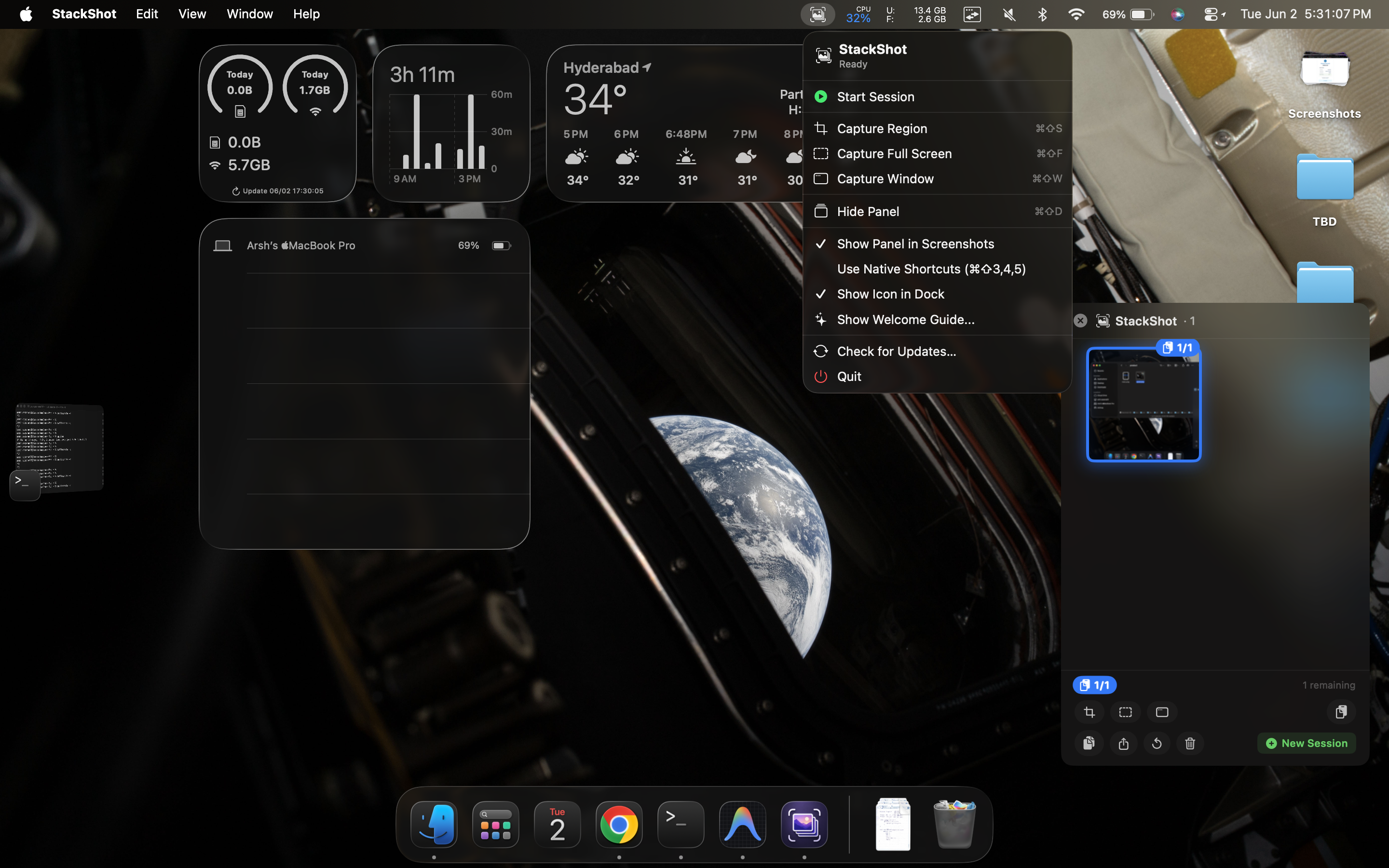
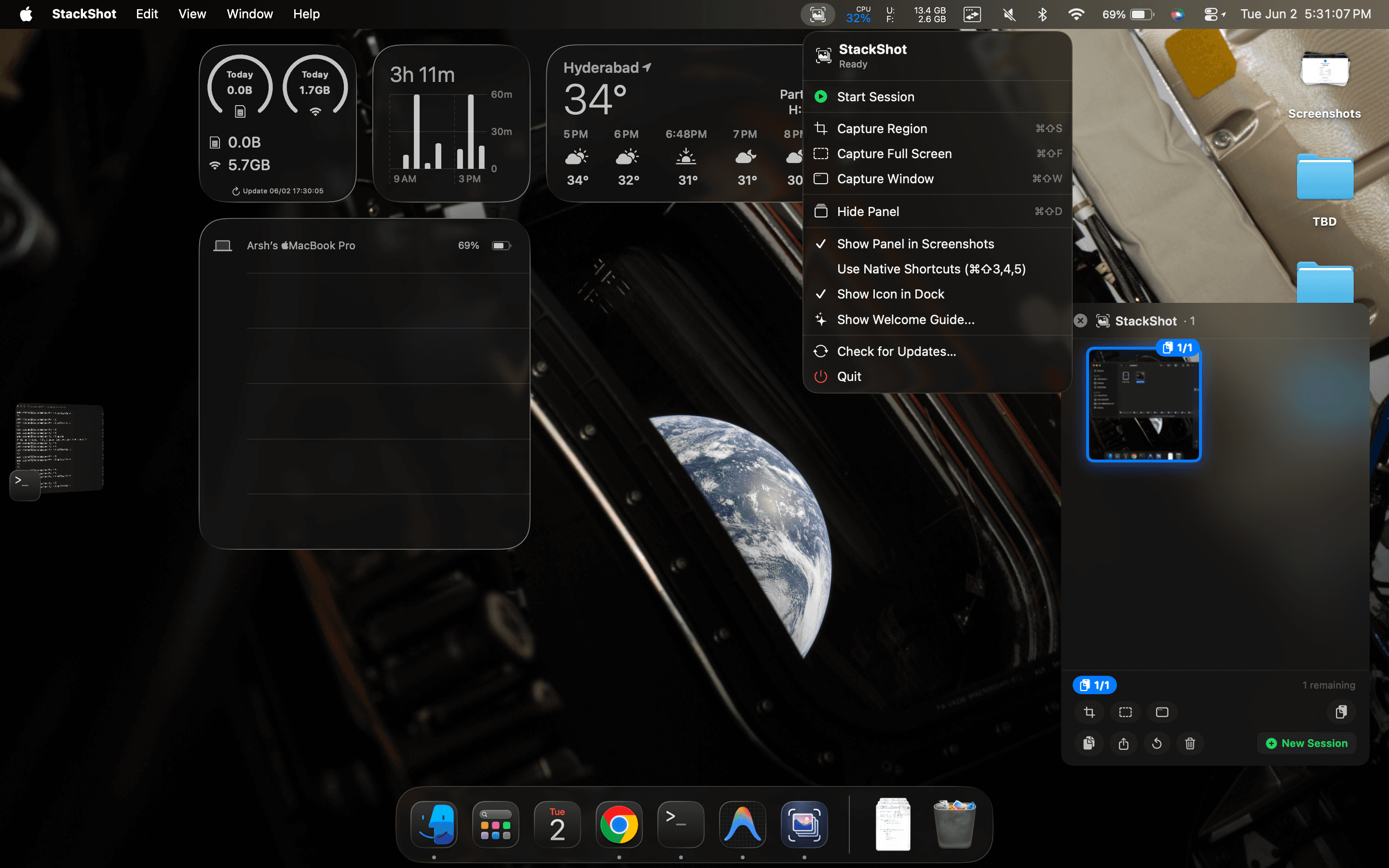
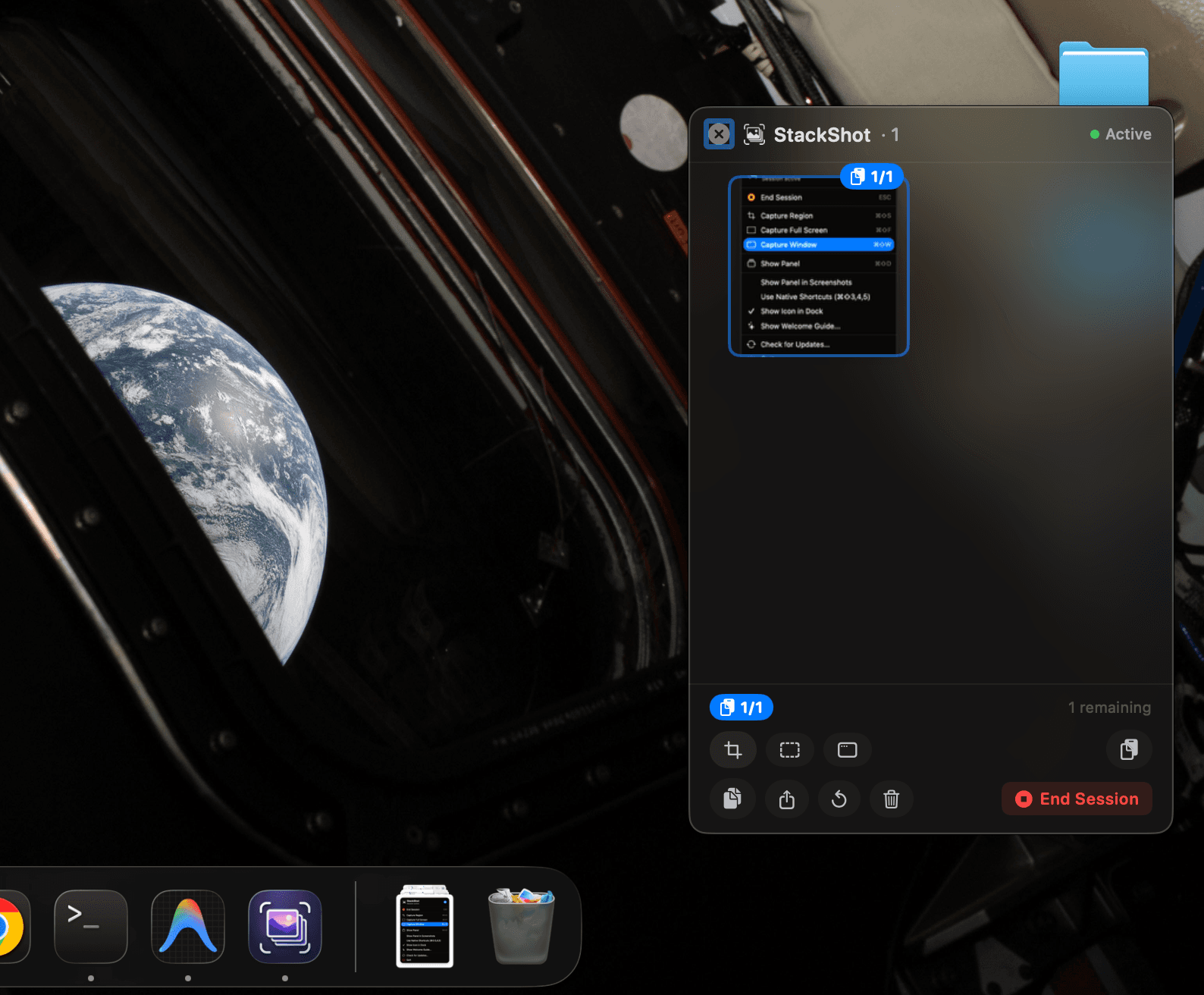
A translucent panel stays on top, showing your current stack of screenshots. Hover to inspect, drag them out to export, or rearrange the stack.
Zero Clutter
Screenshots live in a temporary session directory. Quit the app, and the folder cleans up automatically. No messy files on your Desktop.
Menu Bar Command Center
Quickly control your screenshot sessions. Export the stack, clear the queue, open folder location, or toggle preferences from a clean dropdown helper.
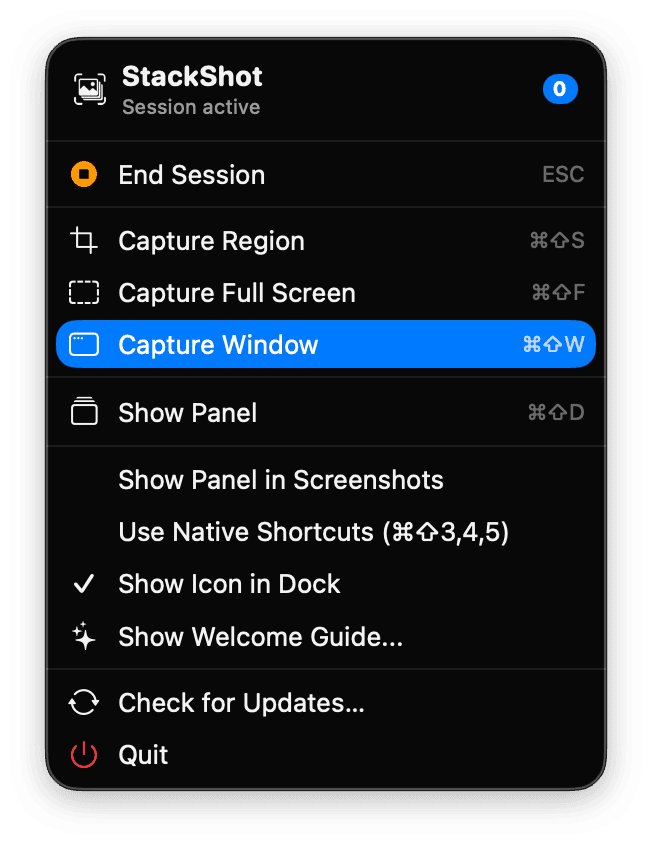
Instant Drag & Drop
Select thumbnails from the panel and drag them out instantly to import directly into Figma, Slack, Finder, or Safari.
Clipboard Queue
Need to insert captures in sequence? Advance through the stack one-by-one with clipboard buffer copy commands.
Performance First
No electron wrapper, no web views. Pure Swift app designed to be lightweight, responsive, and easy on your Mac's battery.
Keyboard shortcuts
Command & Control
A keyboard-first experience designed to accelerate your screenshot capture workflows.
Built in public.
Driven by the community.
StackShot is 100% free, open-source, and developed transparently on GitHub. Contributions of all kinds are welcome—whether it's fixing bugs, suggesting new features, or improving documentation.
Ready to try StackShot?
Free, open-source, and built natively with Swift. Turn screenshot capture into a structured queue.